How do I connect my Sticker GO! account to Facebook?
By connecting your Facebook account, you unlock advanced features designed to automate and improve your trading experience.
Follow these steps to link your account:
-
Go to your profile
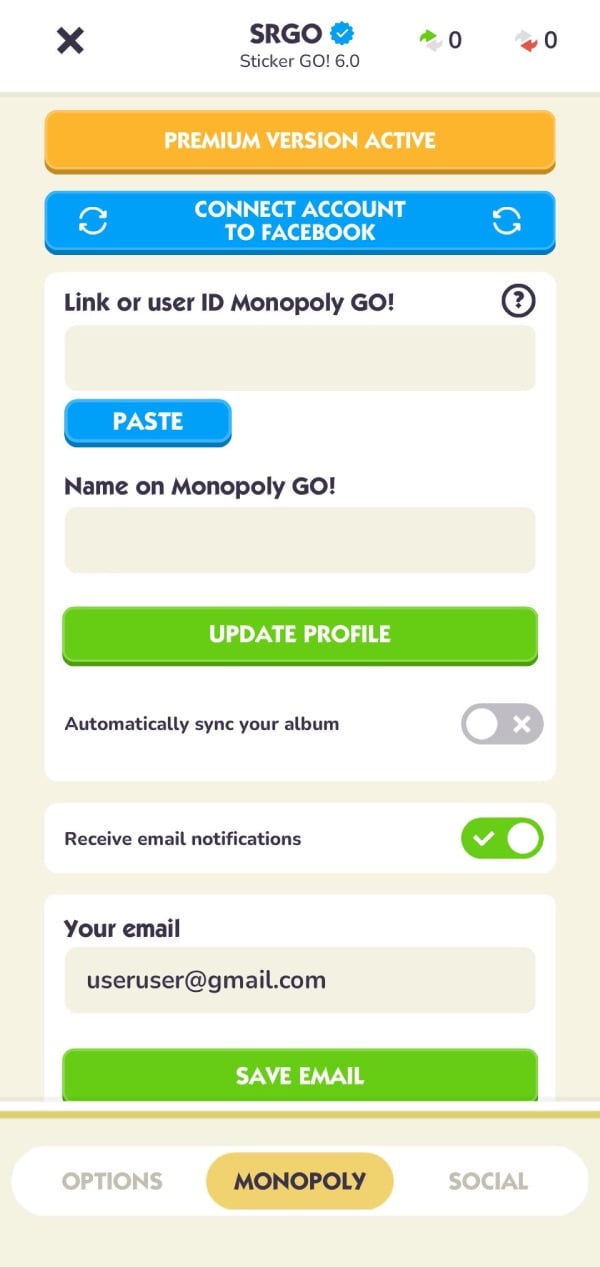
Open Sticker GO! and go to the “Monopoly” section. -
Tap “Connect account to facebook”
Press the blue button at the top of the screen.
-
Log in with Facebook
Tap “Continue with Facebook” and confirm access.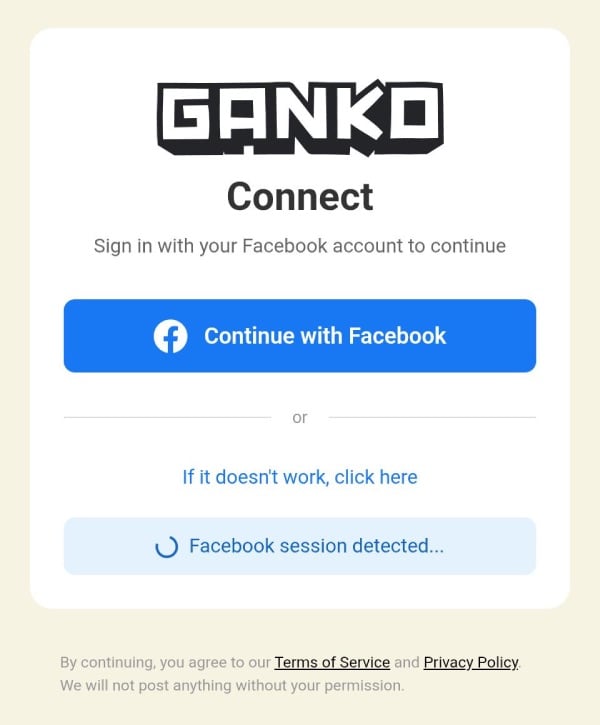
-
Confirm the connection
If prompted, tap “Continue” to complete the process. -
Sync completed
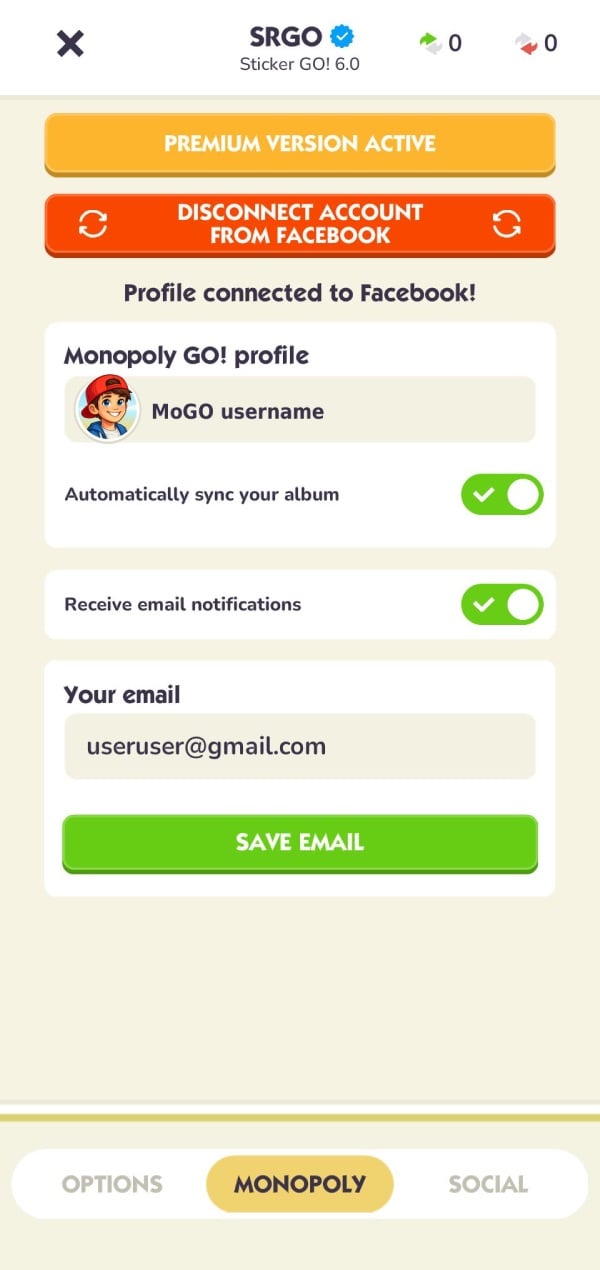
Once connected, your profile will be linked and your album can be updated automatically.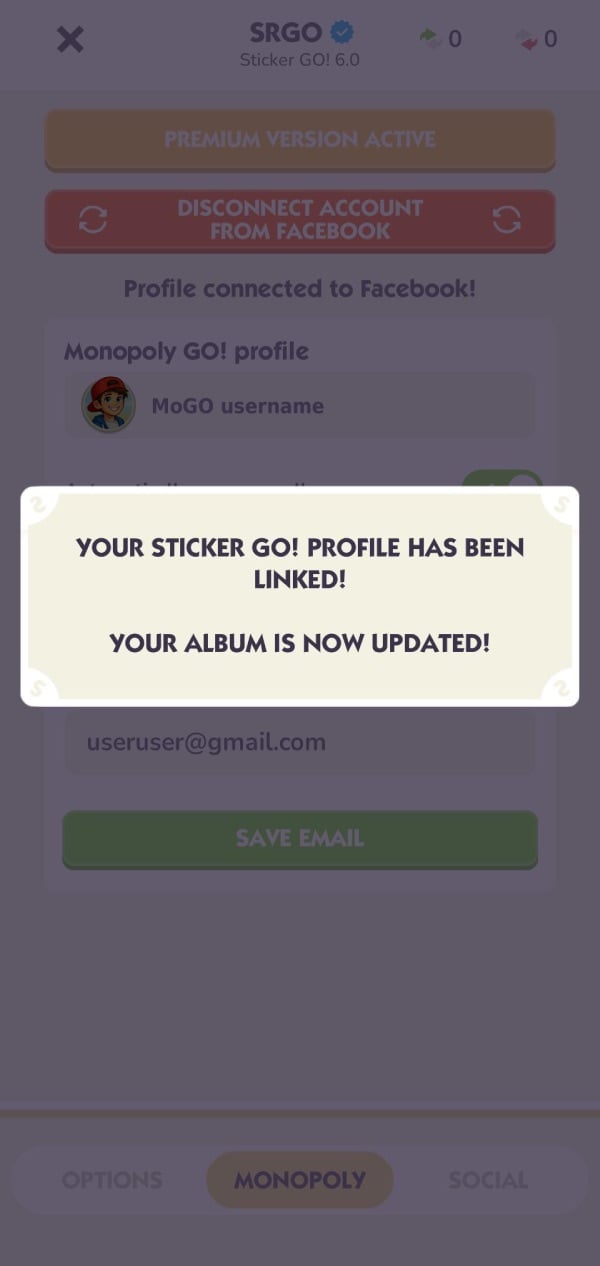
What features are unlocked?
Connecting your account enables Premium features such as:
-
Automatic album sync
Your stickers are updated automatically without manual uploads -
Tycoon Club rewards
Access additional rewards collected for you -
Shutdown section
View Revenge and Friends shields -
Trade tracking and smart alerts
Track your trades and receive useful notifications - Daily trade count
View the number of daily trades you’ve completed on MoGO!
Important notes:
-
This feature is available only for Premium users
-
The Facebook account must be the same one used on MoGO!
-
Sticker GO! will never post anything on your Facebook profile
If something doesn’t work, try logging out of Facebook and repeating the process.